Solutions
See how
it runs.
A simulator venue, a salon, a racquet club and a car meetup look nothing alike. Run them for a week and they are the same job: keep the rooms full, keep the people coming back, keep the calendar, the shelf, the equipment, the hours and the money agreeing. Eight panels below, one system behind them.




The tour
Eight things, one system.
Each panel is the shape of the real screen, not a screenshot. The numbers are illustrative; the machinery is not.
01Members & bookingLive
The calendar and the money, agreeing.
Every booking checks the membership, the credits and the rule for that room before it confirms. A cancellation goes to the waitlist by itself. Renewals, lapses and the people drifting away are visible while there is still time to do something.
- Memberships, packages, credits and guest passes
- Waitlists that fill the gap, families on one account
- Stripe payments, deposits and house credit
This week · Room A
Waitlist onMon
9:00 Coaching
17:00 Open
Tue
7:30 Class
16:00 Waitlist 6
Wed
12:00 Open
Thu
9:00 League
18:00 Open
Fri
19:00 Social
Sat
10:00 Family
14:00 Waitlist 3
Sun
11:00 Open
Tue 16:00 cancelled 90 min out → offered to 6 waitlisted
FilledIllustrative — shapes, not your numbers.
02Front desk & kioskLive
Check in, run a tab, settle any way.
The member scans in, the room comes on, and anything they pick up goes on their tab with a scan. At the end they settle at the kiosk or the desk — card, cash or club cash — and the balance is right because it was never typed twice.
- QR check-in that greets people by name
- House tab: scan a barcode, it is on the tab
- Settle by card, cash or club cash; balance always current
Kiosk · House tab
Checked in 17:58Welcome back, Priya
Family plan · 3 credits left
- Session · Room A · 60 min$45.00
- Sparkling water × 2$6.00
- Grip tape (scanned)$12.50
Illustrative — shapes, not your numbers.
03PulseEarly access
Your building, live, floor by floor.
Tagged equipment shows up where it is, on the floor it is on. Gateways and portals at the doors notice what left and what came back. Devices and kiosks have a slot on the plan, with their status. When something is missing, you look at the plan instead of walking the building.
- Floor plan by floor, built from your rooms and resources
- Live tags over Bluetooth, ultra-wideband and RFID portals
- Devices, kiosk slots and test signals on the same plan
Pulse · Ground floor
7 tags · 1 movedIllustrative — shapes, not your numbers.
04The BusinessEarly access
Stock, vendors, jobs, cash. The books.
Stock is costed first-in-first-out and reorders go to the vendor in one click. Bills, recurring costs and payroll land in accounts payable. Every asset carries its cost, depreciation, maintenance and true margin. A quote built from your own cost centres locks into a job with milestones, and the customer accepts it on their own page and pays the deposit there.
- Inventory FIFO, reorders, vendors with encrypted payment details
- Payables, recurring bills, assets, depreciation, true margins
- Quotes → locked jobs with milestones, deposits and a customer portal
Cash flow · Last 12 months
Live ledgerLow stock
3 SKUs · order drafted
Payables 30d
7 bills · 2 recurring
Job SIM-2 build
Milestone 2 of 4 paid
Illustrative — shapes, not your numbers.
05PeopleEarly access
Hours that are right the first time.
Staff scan their badge at the kiosk to clock in and out. They see their own hours in the app and can ask for a correction, which a manager approves. Once payroll runs, the period locks and the history stays. Hours flow into job costs and the workforce timeline, so a hire or a cut shows its effect on cash before you make it.
- QR badge clock-in and out at the kiosk or in the app
- Corrections with approval, locked after payroll
- Hours into job costs and the workforce timeline
Kiosk · Staff
Badge scannedMarcus · Technician
Clocked in 08:02 · on Job SIM-2 build
4 h 12 m
today · 31 h 40 m this week
Week of 13 Oct · locked after payroll · corrections go to a manager for approval
Illustrative — shapes, not your numbers.
06Forms & documentsIn build
Signed before they book, not after.
Upload the PDF you already use or build the form in the Console. Decide who has to complete it and before what — a first booking, a class, a family member joining. The member signs on their phone, the signed copy goes on their record, and reminders go out until it is done. In build now, with the first clubs.
- Templates and uploaded PDFs with fillable fields and e-signature
- Required before booking, per service or per family member
- Reminders, expiry and renewals, every version kept
Release of liability · v3
Required before first booking- ParticipantPriya N.
- Family memberArjun N. (12)
- Emergency contact+1 ••• ••• 4471
- Medical notesNone
Signature
In build now. Shown so you know it is coming; not sold as done.
07EvaLive
The assistant everyone actually talks to.
Eva sits across the whole system rather than beside it, so she sees the booking, the membership, the money and the message at once. Members reach her from the app, a text, a phone call or their own AI assistant. Staff and admins ask her how a feature works and she answers from your club, not a manual.
- Books, changes, cancels and answers under your rules
- App, text, phone, or the member’s own Claude or ChatGPT
- Runs the books with you: what is low, late, or running red
Eva · one assistant, every door
App · text · phone- memberCan I move Thursday to 7?
- 7:00 Thursday in Room A is free. Same 60 minutes, no change fee under your plan. Move it?
- memberYes
- Done. Confirmation texted. Your Thursday 6:00 went to the waitlist.
- adminEva, what is low this week?
- Three SKUs under their reorder point. I drafted the order to your vendor; it needs your approval.
Illustrative — shapes, not your numbers.
08CommunityLive
For the organisations that create more than revenue.
Some organisations create more value than revenue. The Community programme gives them the platform on terms that fit, and a place to be found.
- Eligibility by what you do, not what you bill
- The same platform, the same Eva
- Apply from the Community page

Community programme
Some organisations create more value than revenue.
- Youth sport
- Charities
- Arts & groups
- Wellness
- Gardens
- Animals
Eligibility is about what you do, not what you bill.
One evening, end to end
Nobody at the desk
typed any of it twice.
This is what the eight panels look like when they are the same system. Every step reads from, and writes to, the one record of the member, the room, the stock, the hours and the money.
- 17:58Priya scans in at the kiosk. Room A comes on. Her family plan has three credits left.
- 18:05She picks up grip tape; the barcode goes on her tab.
- 18:40Marcus, the technician, clocks out of the SIM-2 build with his badge. His hours land on the job.
- 19:10A member drops Thursday 6:00. Eva offers it to the six people waitlisted. One says yes.
- 19:30Priya settles the tab with club cash. The balance was right the whole time.
- 06:10Overnight: three SKUs under their reorder point. A draft order to the vendor waits for approval.
- 08:00The customer of quote Q-26-0004 accepts on their page and pays the deposit. The job locks.
Meet Eva
Not a chatbot.
A colleague who reads everything.
Eva sits across the whole system rather than beside it, so she can see the booking, the membership, the money and the message at once. That is the only reason she can be useful about any of them.
- Fills what is empty
- Finds the hour nobody booked and the people who already asked for it.
- Keeps members from drifting
- Spots what is about to expire and who has quietly stopped coming.
- Sets the club up
- Describe your business in your own words and Eva builds the services, plans and rules, showing the plan before anything is created.
- Runs the books with you
- Tells you what is low, what is overdue, which job runs red and which asset is near the end of its life — and how to fix each, in your own words.
A prompt can tell you what to do. Only a system wired into your business can go and do it.
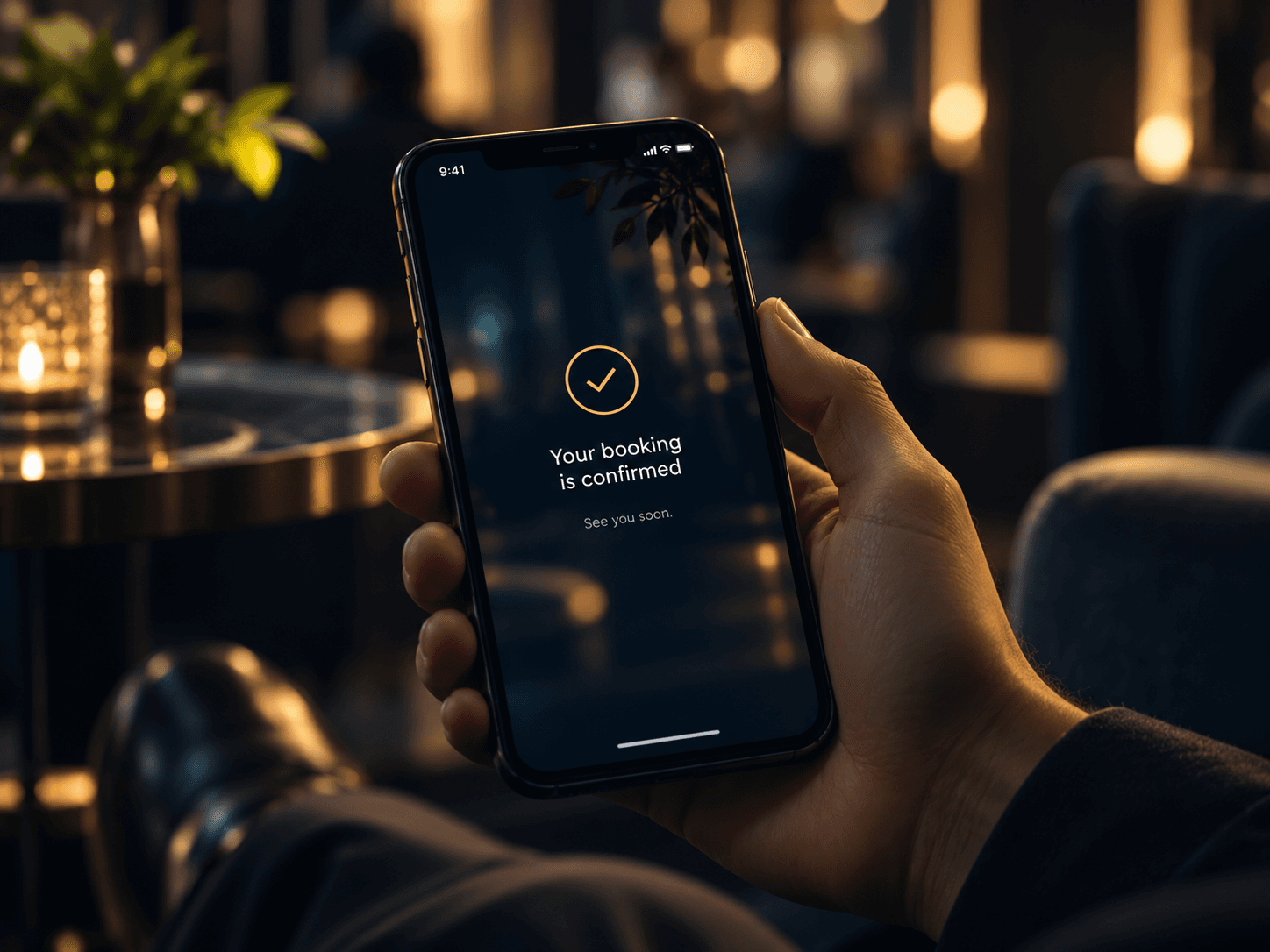
The member never sees the machinery
They get the slot they wanted, at the hour they always book, from a business that seems to remember them.
Private beta
Tell us how your
business works.
Whatever it is you sell time on. We will walk through your capacity, your members and the one rule nobody else would support. Mostly, we will listen.